Previous page
Next page
1 Stronger Power Supply
2 Overload Protection
3 2 Switching Methods
4 Close to Mouse Size
Previous page
Next page
1 Compatible Devices
2 What’s in The Box
3 Connect USB A Laptop
Attention
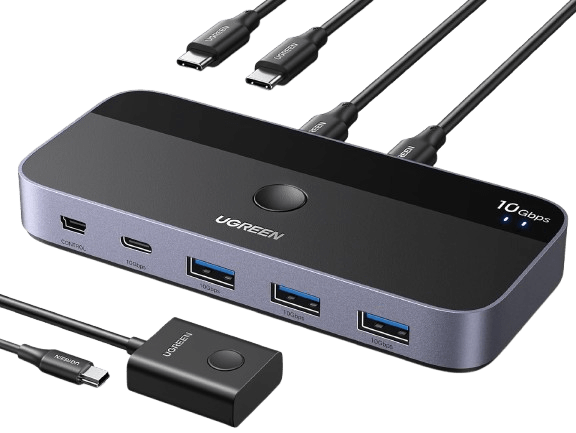
About USB A Laptop Only need to use a USB-A to C data cable (best within 1.2ft/0.8m) to connect this switch and computer. Input Tip: This is a USB C switch not a KVM switch and doesn’t support a monitor; the USB-C input does not support video and there is no HDMI input. This device is designed for data transmission and does not support video transmission. Output Tip: The USB port at the output is only used for data transfer and does not support power supply for a laptop/USB devices or video transmission. Not suggested to connect wireless devices to USB 3.0 switch due to 2.4Ghz co-channel interference (industry problem). If your wireless network is affected, please set your router frequency from 2.4GHz to 5GHz. About…